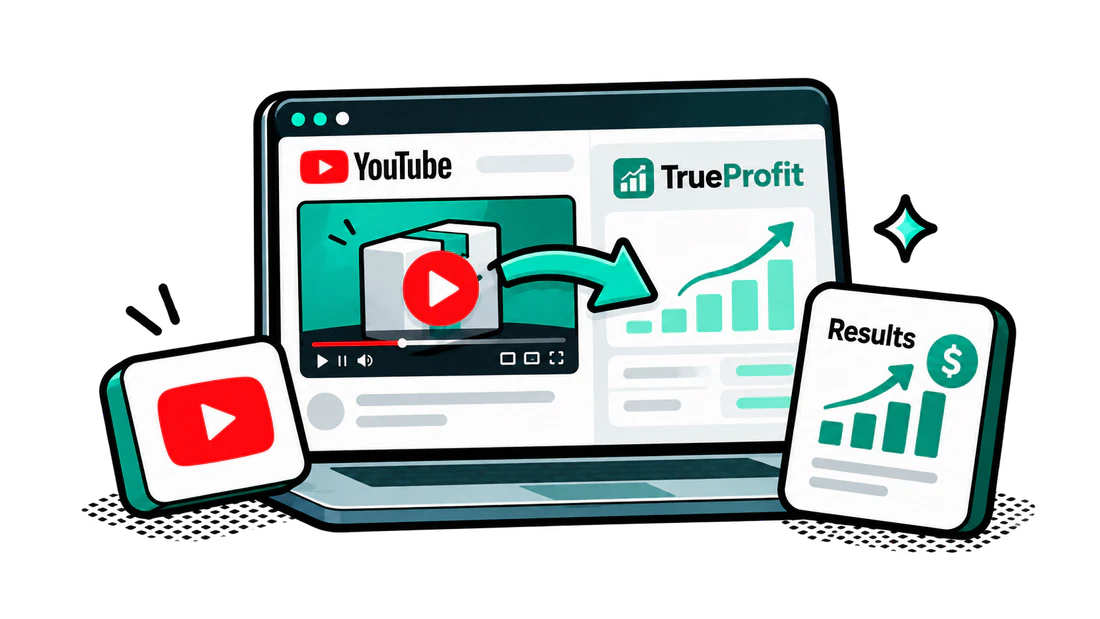
Learn how to integrate TrueProfit naturally into YouTube content by using the dashboard to support the story, verify results, and turn useful content into clicks and affiliate conversions.
How to Integrate TrueProfit
Start with a video topic people would watch even without TrueProfit.
Introduce the dashboard when it adds useful context to the story.
Show the full dashboard with the TrueProfit logo visible.
Highlight only the numbers relevant to the video.
Share one useful takeaway.
Add a short CTA, then continue with the main content.
The integration should feel like part of the video rather than a separate sponsor break.
Content Approaches
TrueProfit works naturally in:
AI-run store videos
Challenges or experiments
Store progress updates
Product or advertising tests
Store breakdowns or case studies
E-commerce tool stack videos
Regardless of the angle, keep the story first and use TrueProfit as proof, a checkpoint, or a supporting tool.
Placement and Length
There is no fixed timestamp for the integration. It can appear as:
A mid-video progress check
A final results reveal
A decision point before the next step
Part of a tool-stack or workflow section
Aim for an integration of around 60 seconds or longer. This should provide enough time to show the dashboard, explain the relevant numbers, share a takeaway, and mention the affiliate link or audience offer.
Avoid turning the segment into a full feature walkthrough unless the video specifically focuses on E-commerce tools.
Review these videos before planning your integration. Each one follows a different narrative, showing how TrueProfit can still fit naturally into different types of E-commerce content.
AI-Powered Store Experiment
TrueProfit appears as proof inside the experiment rather than as a standalone product pitch. The dashboard helps validate the store's performance and makes the results easier for viewers to trust.
Facebook Product Testing Journey
The dashboard fits naturally into the testing journey as a checkpoint for revenue, costs, and profitability. It supports the creator's progress without interrupting the main story.
Print-on-Demand Niche Breakdown
TrueProfit can be introduced when the creator moves from product ideas into real performance and margins. The integration works as supporting evidence within the broader store breakdown.
Integration Checklist
Introduce TrueProfit only when it fits naturally into the story.
Use your own words and focus on the most relevant dashboard numbers.
Keep the dashboard and TrueProfit logo clearly visible.
Avoid turning the segment into a full product review or walkthrough.
Add your affiliate link, audience offer, and a clear CTA.
Include a YouTube chapter if it fits the video structure.
Show and explain TrueProfit for around 60 seconds or longer.
End with a clear CTA and your unique affiliate link.
Why YouTube Integrations Work
Viewers trust results they can see. When the TrueProfit dashboard appears naturally within a store journey, challenge, or experiment, it helps verify the creator's story and makes the results more credible.
Because TrueProfit supports content viewers already want to watch, the integration feels like useful evidence rather than an interruption.
Key Takeaways
TrueProfit can be used as proof, a checkpoint, or part of your normal workflow.
The integration does not need to begin with a profit-tracking problem.
Keep the main story first and connect the dashboard to the content.
Show and explain TrueProfit for around 60 seconds or longer.
End with a clear CTA and your unique affiliate link.
Ready to integrate TrueProfit into your Youtube content ?
Keep the story first, use the dashboard as proof, and make your affiliate link easy to find.